
Steam Deck repairs, treated like the small PC it is
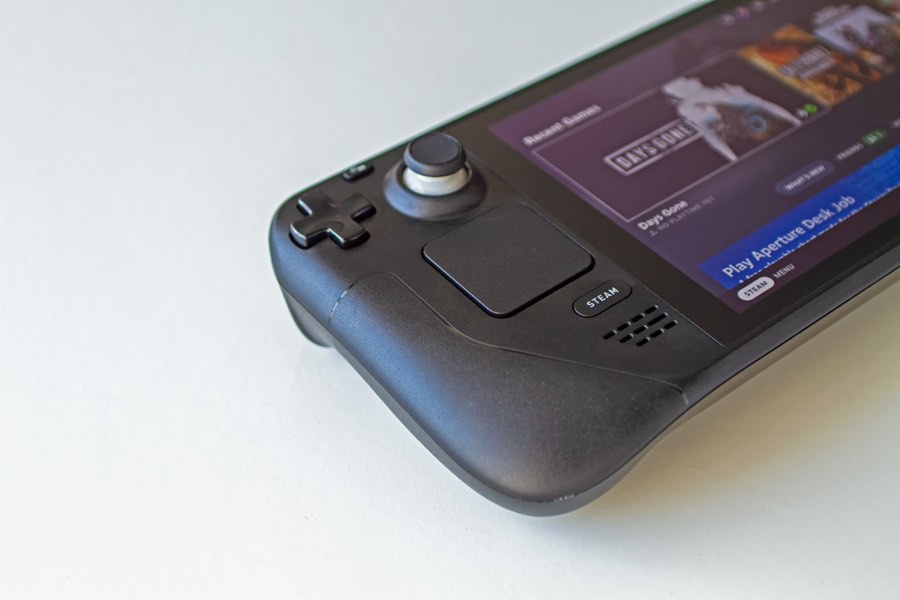
The Deck is a compact PC in a handheld shell, and PCs are what we service every day. USB-C ports, drifting sticks, screaming fans and cramped SSDs, all fixed by post at flat prices, for both LCD and OLED models. Combine jobs in one send-in and pay one lot of postage.
Steam Deck pricing
Book with a £15 deposit, pay the balance when the work is done. Combining jobs? We quote the prices together and you pay one lot of postage.
From our repair customers
Read the full customer reviews →“super professional and kept me informed”
Review excerpt · Google · September 2026
Sound like your Deck?
Four faults account for nearly every Steam Deck that crosses the bench. Odds are yours is on this list.
Won’t charge
Plugged in, no charge light, battery keeps falling. The USB-C port takes every dock, charger and cable insertion the Deck has ever seen, and eventually the joints give up.
Only charges at an angle
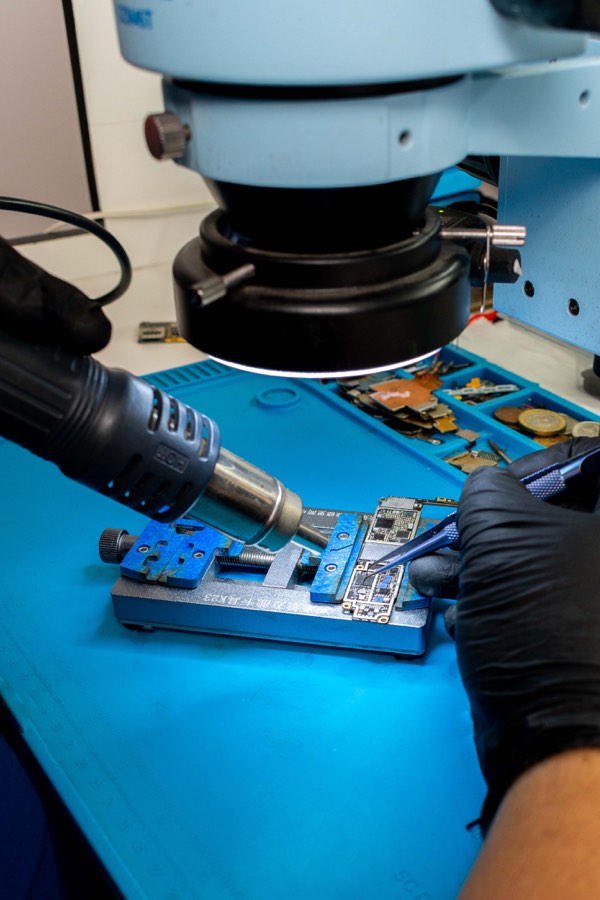
Cable has to be propped, wiggled or leant on to charge. Classic failing port: the connector or its solder joints are cracked, and it needs board-level hot-air work, not glue.
Stick drift
The camera creeps on its own, or the character keeps walking. The resistive track inside a standard stick wears out. We replace both sticks, and Hall-effect versions remove that common wear mechanism.
Grinding or roaring fan
Rattling, grinding, or a whine that drowns out the game. The fan bearing is on its way out, and a Deck that can’t cool itself will throttle and eventually cook.
Running hot & throttling
Frame rates dropping, back of the case uncomfortably warm, fan flat out. Dust-clogged cooling and tired thermal paste, both dealt with in the £59 fan service.
Forever out of space
Living on a 64GB or 256GB Deck means constant uninstalling. A 2230 SSD swap to 1TB or 2TB fixes it for good, and we handle the fitting and SteamOS reinstall.
Handy with a screwdriver? You have options
Valve is unusually repair-friendly, and we’d rather you knew that before booking.
Valve sells official parts for DIYers
Valve partners with iFixit to sell genuine Steam Deck parts, sticks, fans, boards, with proper teardown guides, so if you’re confident opening electronics, the DIY route genuinely exists and we’ll happily say so. It’s one of the things Valve gets right.
We’re the option for everyone who’d rather not open a £400 handheld themselves. The USB-C port in particular is soldered to the board and needs hot-air rework, which is beyond a screwdriver job. And because we service laptops daily, the Deck’s insides hold no surprises: it really is a small PC, and small PCs are the day job.
- Confident with tools? Official parts and guides exist via iFixit
- Rather not risk it? Post it to us instead
- Board-level jobs like the USB-C port need hot air either way
- Whichever route, don’t pay for work a fault doesn’t need, ask us free
Four jobs, four flat prices
Book with a £15 deposit. You post it to us, tracked return postage is in the price. Balance on completion, before return post. Combine jobs and send one parcel.
USB-C port
Won’t charge, loose port, or only works with the cable at an angle.
£75
- Board-level hot-air port replacement
- Pads cleaned, joints inspected under magnification
- Full charge & power-delivery test
- 12-month warranty on the repair
Both thumbsticks
Drift, dead zones or wobble. Both sticks replaced, not just the bad one.
£65
- Standard or Hall-effect sticks, your choice, same price
- Hall effect removes the common carbon-track wear mechanism
- Calibrated and play-tested before return
- 12-month warranty on the repair
Fan service
Grinding, rattling or roaring fan, or a Deck running hot and throttling.
£59
- New fan fitted, matched to your model
- Full internal dust-out included
- Fresh thermal paste on the APU
- 12-month warranty on the repair
SSD upgrade
More space, or a failed drive. Send your new M.2 2230 drive with the Deck.
£45 fitting
- Your 2230 drive fitted (512GB–2TB)
- Or we supply one at cost, quoted first
- SteamOS reinstalled, ready to log in
- Drive carries its manufacturer warranty
One thing we don’t do: batteries. We don’t offer Steam Deck battery replacements, because lithium packs are not something we ask people to post. Rather than take the booking and work around it, we’d sooner tell you straight. Port, stick, fan and SSD work travels safely and we do it all day.
Combining jobs saves postage. Sticks and a fan in one visit is a common pairing: the Deck is already open, we just quote the two prices together. Mention everything in the booking notes and we’ll confirm the total before starting. If inspection finds board damage beyond the job you booked, it’s photographed and quoted before any chargeable work; if you’d rather not proceed we return it and only the deposit is used, which covers the return postage.
Every Deck, and the upgrades too
Laptops are the daily bread here, and the Deck is a laptop that learned to be a handheld.
Steam Deck LCD
The original 64GB, 256GB and 512GB models. By now the eMMC 64GB models in particular are crying out for the £45 SSD upgrade while the case is open.
Steam Deck OLED
Fully covered at the same prices. Different fan, different sticks, different board layout inside, so we fit parts matched to the OLED specifically.
Hall-effect sticks
Standard sticks drift because a resistive track physically wears. Hall-effect sticks read position with magnets and remove that common wear mechanism. Same £65, your choice.
SSD upgrades & swaps
M.2 2230 drives from 512GB to 2TB. Send your own drive, or ask us to supply one at cost, quoted before we buy anything. Reimaged with SteamOS and ready to log in.
Half-finished DIY jobs
Opened it up, hit something unexpected, lost a screw or nerve? No judgement, it happens. Box up the Deck and every part and we’ll finish the job properly.
Something else wrong?
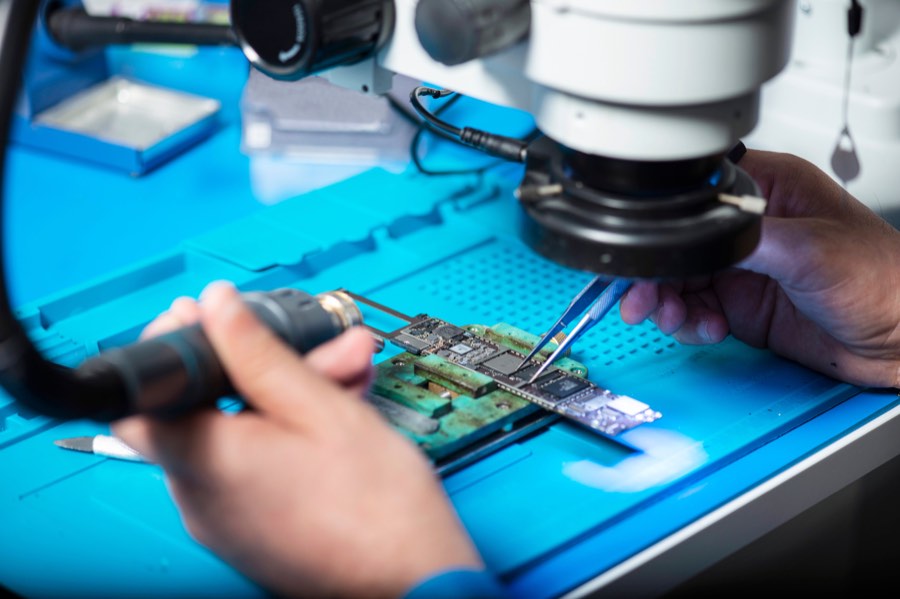
Screen, buttons, not booting, odd behaviour? Ask us, photo quotes are free, and board-level faults go through our soldering bench.
What the flat prices include
No hourly rates, no surprise extras. This is what the price buys.
| USB-C port, £75 | The port is soldered to the board, so it comes off with controlled hot air and the new one goes on to cleaned pads. Charge and power-delivery tested before reassembly |
| Both sticks, £65 | Both modules replaced, standard or Hall effect at the same price, then calibrated in SteamOS and play-tested. Replacing only the bad one just books the other a return visit |
| Fan service, £59 | New fan matched to your model, plus a full internal dust-out and fresh thermal paste on the APU, so cooling comes back to how it left the factory |
| SSD fitting, £45 | Your M.2 2230 drive fitted (512GB–2TB), SteamOS reinstalled and taken to the login screen. The fitting price covers the swap and reimage; the drive carries its manufacturer warranty |
| Model matching | LCD and OLED use different internal parts. We confirm your exact model at booking so the right parts are on the bench when your Deck arrives |
| Testing & return | Every repair is tested against the original fault before dispatch, and tracked return postage is included in every price |
12-month warranty on port, stick and fan work. SSD fitting warranty covers the fitting itself; the drive is covered by its manufacturer.
From your hands to the bench and back
Book online
£15 deposit secures your slot. We email the postal address straight away.
Post it in
Deck in its zip case if you have it, well padded in a box. No charger or dock needed.
The repair
Repaired with parts matched to your model, inspected under magnification, tested against the fault.
Back to you
Balance settled, posted back tracked. 12-month warranty on port, stick and fan work.
The rest of the bench
Fan and overheating checks
Not sure whether the fan is failing or simply working hard? Start with the Steam Deck fan and overheating guide before booking a repair.
Laptop & MacBook service
The Deck’s bigger cousins get the same treatment: our £65 fixed-price service covers a full strip-down clean, fresh thermal paste, battery report and tune-up.
Board & component soldering
A fault that doesn’t fit a flat-price repair? Our board-level repair service covers SMD work, micro-soldering and BGA, with a £40 redeemable assessment.
Nintendo Switch repair
The other handheld on the bench: Switch charging port repair for £75, plus a £40 redeemable assessment for no-power faults.
Common questions
How much does Steam Deck repair cost in the UK?
Four flat prices: USB-C charging port replacement £75, both thumbsticks replaced £65 (standard or Hall effect, same price), fan replacement with a full internal clean and fresh thermal paste £59, and SSD upgrade or replacement fitting with a SteamOS reinstall £45. Every price includes tracked return postage. You book with a £15 deposit and pay the balance when the work is done.
Can I combine repairs in one send-in?
Yes, and it’s the sensible way to do it. Sticks plus fan is a popular pairing: the Deck is already open, so we simply quote the two prices together and you pay one lot of postage instead of two. Mention everything you want doing in the booking notes and we’ll confirm the combined total before any work starts.
Do you repair both LCD and OLED Steam Decks?
Yes, both, at the same prices. The OLED model is different inside (different fan, different stick modules, different board layout), so we fit parts matched to your exact model. Tell us which Deck you have when you book and we’ll have the right parts ready.
Are Hall-effect sticks worth it?
If you’re sending the Deck in because of drift, we think so, and since we charge the same £65 either way there’s no premium to weigh up. Hall-effect sticks remove the common carbon-track wear mechanism, but the surrounding mechanism, calibration and other components can still develop faults. The feel is very close to stock and calibration is done before return.
What SSD sizes fit, and does the reimage wipe my data?
The Deck takes the short M.2 2230 size only, a full-length laptop drive won’t fit. We fit 2230 drives from 512GB to 2TB: send yours with the Deck, or ask us to supply one at cost, quoted first. And yes, a new drive means a fresh SteamOS install, so anything on the old drive isn’t carried across. Your games redownload from your Steam library and most saves come back through Steam Cloud when you log in. If you want the old drive back in the box, just say so, we return it as standard.
Why don’t you replace Steam Deck batteries?
Because we’re a mail-in service and lithium packs are not something we ask people to post. Swollen or degraded lithium batteries need careful handling, and consumer post isn’t the place for them. Rather than quietly take the booking anyway, we say so upfront. Port, stick, fan and SSD work we’ll happily do by post all day.
How long does a Steam Deck repair take?
Most jobs are on their way back within 2–4 working days of arriving. USB-C port work can take a day longer because of the board-level rework and post-repair charge testing. Combined jobs don’t add much: the strip-down is shared, which is half the point of combining them.
How should I pack a Steam Deck for posting?
The original zip case is ideal: Deck in the case, case in a box with padding on all sides. No case? Bubble wrap it well, screen padded, inside a snug box. Leave the charger and dock at home, we don’t need them, and remove any microSD card before posting. We email you the postal address as soon as you book.
Ready to send it in?
Flat prices, parts matched to your model, free tracked return postage and a 12-month warranty on port, stick and fan work. Serving the whole UK by post from Basingstoke.