
Upload and slice
Add one STEP, STL or sliced 3MF file. Choose the material, quality, infill and batch quantity.
Free UK business account
Upload and approve a part once. Hark Tech keeps that paid revision on your private parts shelf so you can order the same batch again, or schedule it monthly.
No password to remember. We email a secure sign-in link.
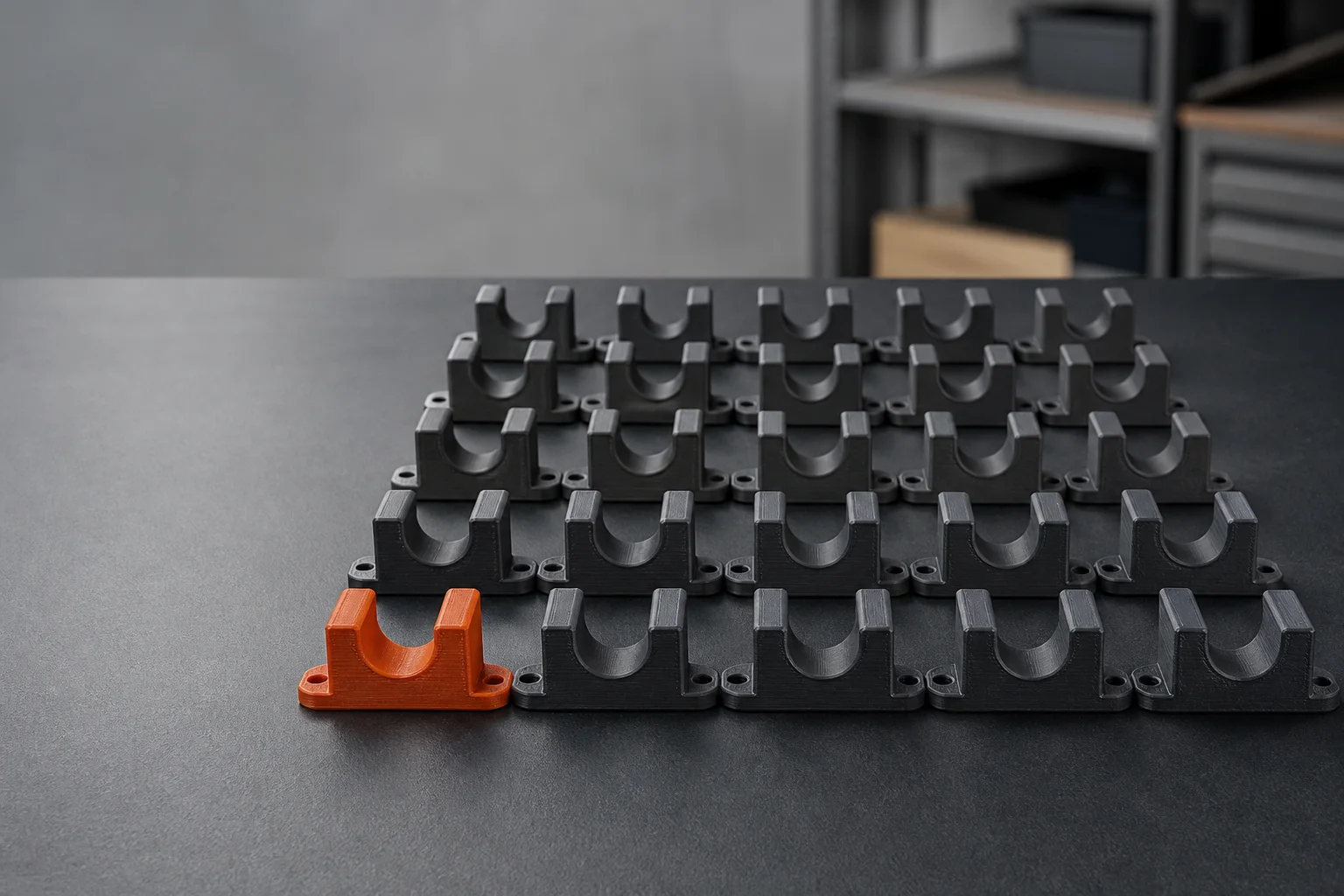
From file to repeat batch
The Trade Account uses Hark Tech's live slicer and price calculation. It removes the admin from returning to an approved part, without hiding the price or changing the revision.
Add one STEP, STL or sliced 3MF file. Choose the material, quality, infill and batch quantity.
See the delivered price and pay securely. New accounts do not receive credit terms.
After payment, a single-file order is saved automatically to your private digital parts shelf.
Order the exact batch again or review it as a monthly repeat. Production starts after payment succeeds.
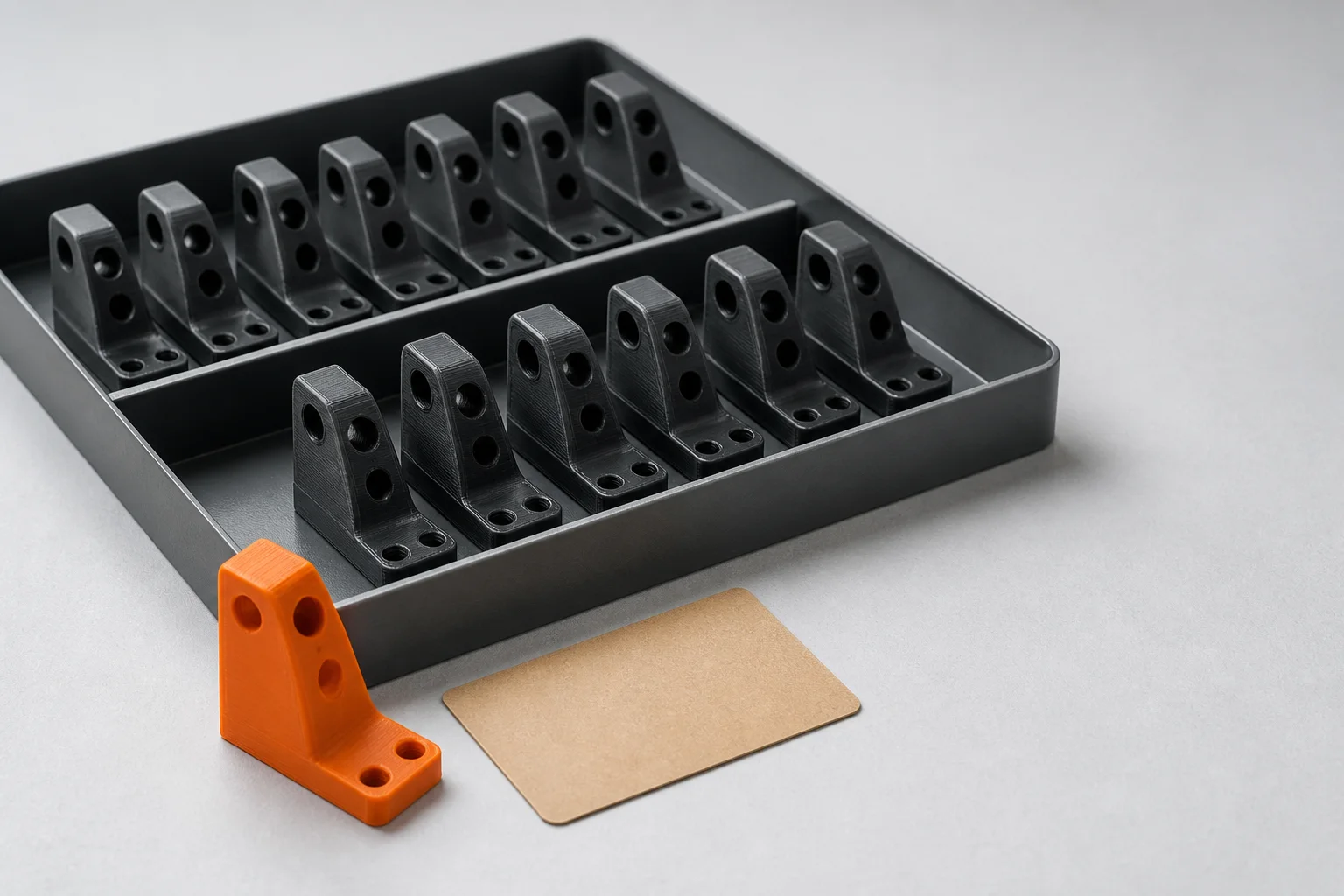
Your digital parts shelf
Each saved part keeps the uploaded file, material, infill, quality, quantity and estimated production details together. A reorder uses that exact revision. If the design changes, upload it as a new part instead of silently altering the old one.
Monthly production
Monthly repeats are created from an already-paid saved part. Setting one up stores the payment method but does not charge for another batch that day.
The review screen shows the saved revision, batch quantity, material, print price, delivery and first charge date before Stripe.
A monthly order repeats the saved file and settings. It does not substitute a different revision or quietly change the quantity.
A successful recurring invoice creates one print order. Duplicate webhook delivery cannot create a duplicate batch.
Monthly scheduling is available when the saved batch is suitable for repeat production. Larger or unusual jobs can be discussed before committing.
Genuinely new Trade Accounts receive 10% off their first print subtotal over £30. Delivery is excluded, the saving is capped at £25 and the offer lasts 30 days from sign-up.
New trade repair customers get their first board diagnosed free. You only pay the postage: your own tracked label to us, and £5.55 for the tracked return. You get a fixed repair price in writing, and if you don’t go ahead it comes back with nothing more to pay. One board or device per business, claimed from your account.
Before you sign up
No. The account is free. You pay securely for each one-off or monthly print batch before it enters production.
Yes, for new trade customers: one board or device per business, claimed from a free Trade Account. You pay the postage, with your own tracked label to us and £5.55 for the tracked return. We check each claim before sharing the workshop address, then send a fixed repair price in writing. If you don’t go ahead, the board comes back with nothing more to pay.
Yes. After the first paid batch is saved to your parts shelf, you can review and schedule that exact revision as a monthly repeat. Nothing is charged on setup day. The first repeat payment falls on the next monthly anniversary of the original paid batch.
The Trade Account uploader accepts STEP, STL and sliced 3MF files. It uses the same real slicing and server-side pricing process as the public instant 3D printing quote.
A saved revision is kept exact so repeat orders do not silently change. Upload the changed file as a new part when the design or print settings need to be different.
The first release saves single-file paid print orders. Multi-part carts and work that needs manual CAD design are not added to the shelf automatically. For wider business projects, use the business 3D printing service.
Create the free account first, then use its contained uploader for slicing, pricing and checkout.
Already registered? The same secure email link signs you back in.
Repairs for trade? Send a repair batch brief.