An honest side-by-side from a workshop that owns both.
12 min readWe own both. After 12 months of daily use in a UK repair workshop — and a year of patching the K2’s own Klipper firmware ourselves — here’s what actually matters when you’re choosing between them. No sponsorship, no review unit, no listicle filler.
Most online K2-vs-Bambu reviews are written by people who own one of the two. Some are written by people who own neither. We bought both with our own money, run them in a working repair shop, and have spent enough time inside the K2’s Klipper layer to release our own open-source patch set for it. That doesn’t make us right, but it does mean we’ve hit the failure modes you only see after a few hundred print hours.
| Creality K2 | Bambu Lab A1 | |
|---|---|---|
| Build volume | 260 × 260 × 250 mm | 256 × 256 × 256 mm |
| Enclosed chamber | Yes, heated | No, open frame |
| Max acceleration | 20,000 stock, 35,000 via Klipper | Stock-tuned, limited headroom |
| Motors | Closed-loop | Open-loop |
| Auto-calibration | Bed mesh, input shaper | Bed mesh, input shaper, filament flow |
| Multi-material unit | CFS (high maintenance) | AMS Lite (tangle-prone) |
| Native slicer | OrcaSlicer (manual setup) | Bambu Studio with filament sync |
| Firmware | Klipper + compiled .so modules | Locked-down |
| Noise (subjective) | Notably loud | Office-tolerable |
We ran the same Benchy on both machines at sensible speed presets. K2: ~12 minutes. A1: ~15 minutes. If you only look at the clock, the K2 wins. If you look at the print, the A1 wins comfortably. Despite the K2’s input shaper running, you can still see ringing along the hull and clear signs of inadequate part cooling on the cabin overhangs. The A1 comes off the bed visibly cleaner — smoother layer lines, tighter corners, no obvious cooling artefacts.
Three minutes of speed is a small price for cleaner output.
The pattern holds across other prints. The K2 is a workhorse you reach for when speed matters and quality is “good enough”. The A1 is what you reach for when the customer is going to look closely at the result.
This is where the K2 genuinely impresses. It ships with 20,000 mm/s² acceleration as standard, and via Klipper you can push it to 35,000 without the machine throwing errors. The closed-loop motors are part of that — they almost never lose position, which is why you can crank the numbers without prints stepping in Z.
For prototype iteration where you just need plastic in your hand, the K2 is a tool that earns its keep.
The Bambu A1, by contrast, has no real headroom. There are two extra speed modes in the firmware but most filaments won’t survive them without a nozzle upgrade. You pay for the A1’s quality with a hard speed ceiling.
Auto-calibration on the A1 is the single feature that changes how it feels to own a 3D printer. Bed levelling, vibration compensation, and filament flow / pressure tuning all happen automatically before each print. Swap to a new brand of PLA and the printer just deals with it. There’s nothing to think about.
The Creality K2 Combo — the model most people will buy — ships without filament calibration. If you, like us, buy whatever PLA is on offer that week, you have to set up calibration profiles for each filament inside OrcaSlicer manually. It’s a fiddly, repetitive process that’s easy to skip, which is why most people’s K2 prints look slightly worse than they should.
This whole section largely doesn’t apply — the K2 is fine. The auto-cal gap only matters if you regularly switch spools or brands.
Creality markets the K2 as a Klipper machine, which is technically true, but it’s far from the open-source Klipper most enthusiasts mean. The shipped firmware contains multiple compiled .so modules — closed-source binary code — with feature gates we can’t see inside.
Several Klipper standards (adaptive bed-mesh chief among them) are quietly disabled by Creality’s closed modules. KAMP-K2 is our open-source patch series that restores them. If you bought a K2 expecting full Klipper, this matters.
OrcaSlicer support also has to be configured by hand for the K2. The Bambu A1, by contrast, works natively with Bambu Studio (a fork of Orca) including filament sync between slicer and printer — load a spool, the slicer knows.
The flip side: the A1’s firmware is completely locked down. You can’t poke at it the way you can with even the half-open K2. For people who like a printer they can hack, that’s a real downside; for people who just want it to print, it’s a feature.
Both printers offer multi-material via add-on units, and both have annoyances.
Bambu’s AMS Lite — ships with the A1 Combo — is prone to tangling. Spools that haven’t been wound perfectly cause cross-tangles that pause prints. Some third-party spools won’t even seat in the holder without a printed adapter. It works, but you’ll spend time on it.
Creality’s CFS on the K2 is more mechanically ambitious and, in our experience, less reliable long-term. We’ve replaced multiple parts inside our CFS in under a year of ownership — we’re continually maintaining that machine in a way the A1 simply doesn’t need.
For high-throughput multi-mat customer jobs, the AMS Lite is the one we trust further.
Despite all of the above, we use the K2 every day. Where it shines:
The A1 is our default for PLA prototype parts with high detail, near-perfect dimensional accuracy, or anything a customer is going to look closely at.
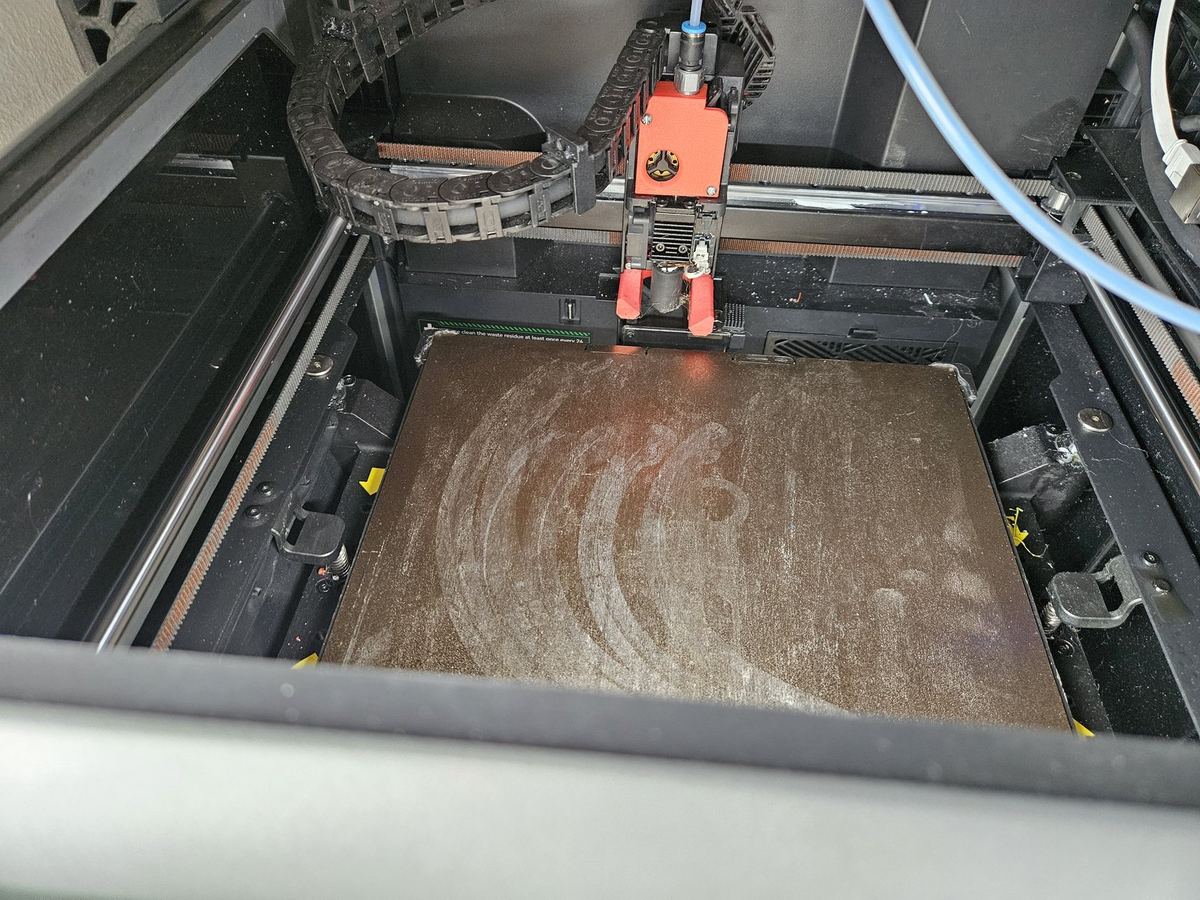
Both chamber fans were sucking into the case instead of one in and one out. We had to physically flip a fan to get the airflow correct — not a fault that should ever leave QC.
The K2 is loud. Notably so. Ours lives in a workshop space where that’s fine; you wouldn’t want it in an office or next to a workspace.
The A1’s “update and leave” reliability is hard to overstate.
Firmware updates land, the printer carries on working. We can’t remember the last time the A1 caused a problem we hadn’t caused first by feeding it wet filament. The K2 needs more attention.
.so modules in the firmwareIf you’ve made it this far, you deserve the straight answer. Here’s our pick at three real-world price points.
Auto-cal on filament flow, bed mesh and input shaping is genuinely useful. You sacrifice some speed versus the K2 but the print quality is in a different league. Easiest first 3D printer we can recommend.
Check current price on Amazon UK →As an Amazon Associate we earn from qualifying purchases. The link above costs you nothing extra.
Faster than the A1 with the same auto-cal magic, better quality than anything Creality ships at the price — and enclosed too, which the A1 isn’t. Our pick if you can stretch the budget.
Check current price on Amazon UK →Affiliate link — same disclosure applies. Specific Bambu UK product link to be added.
Whatever Bambu has just dropped at the top of the line. You’re buying into the ecosystem more than the hardware — and that ecosystem is what makes the gap to the K2 so wide.
Check current price on Amazon UK →Affiliate link — same disclosure applies.
If you specifically need a big enclosed chamber for engineering plastics (ABS/ASA/PETG-CF/Nylon), or you want a project printer you can hack and push past spec-sheet limits, the K2 has things no Bambu does — just go in eyes open about the manual calibration and the CFS-shaped maintenance burden.
We specialise in Creality K2 repair and tuning by post across the UK — from CFS rebuilds to Klipper config audits and our open-source KAMP-K2 patches applied. Flat-fee mail-in service, £15 deposit.